> ## Documentation Index
> Fetch the complete documentation index at: https://guides.a35hie.me/llms.txt
> Use this file to discover all available pages before exploring further.
# Discord Mods
> Prettify Discord!
You will need a Discord client mod to use these styles. Check out [Vencord](https://vencord.dev).I am not connected to or affiliated with personally to Discord or Vencord. Use client mods at your own risk.
## Installation
[](#themes)
Go to Vencord's website and follow instructions to install it.
[](https://vencord.dev/)
In the list below, find themes you like.
Alternatively, you can simply install all.
Copy all themes' URLs that you want to install.
Simply copy this to install all:
```css All Themes theme={null}
https://dmods.a35hie.me/Big-GIF-Emoji-Sticker-Picker.css
https://dmods.a35hie.me/DemureifyNonTransparent.css
https://dmods.a35hie.me/Transparency.css
https://dmods.a35hie.me/SemiOpaqueMain.css
https://dmods.a35hie.me/SystemFonts.css
https://dmods.a35hie.me/MoreRoundedCorners-Important.css
https://dmods.a35hie.me/BlurredHeaders.css
```
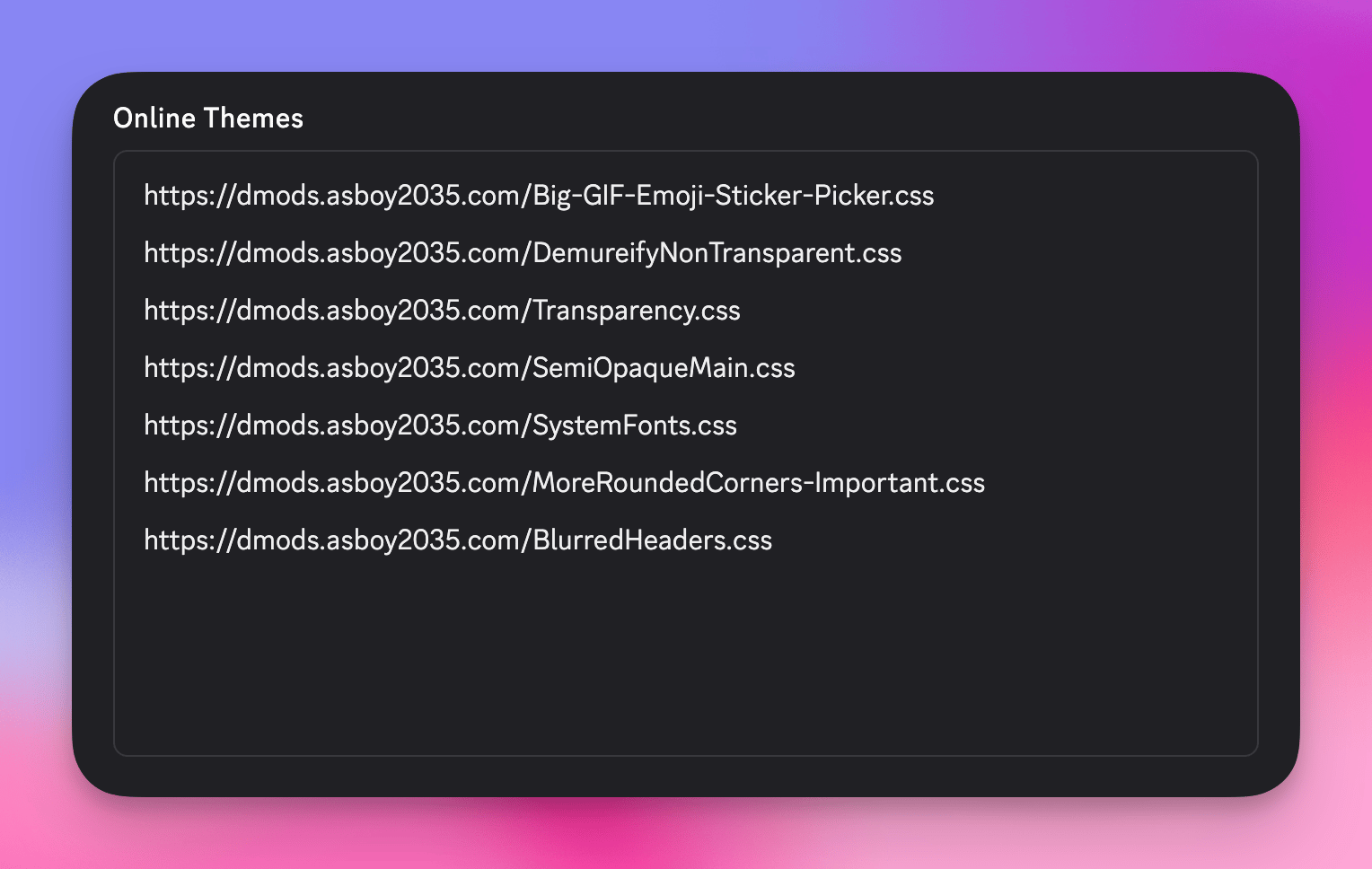
Go to your Discord settings, go to "Themes" under the "Vencord" section, and click "Online Themes" on the top.
Paste in all your theme URLs into the Online Themes textbox like so:
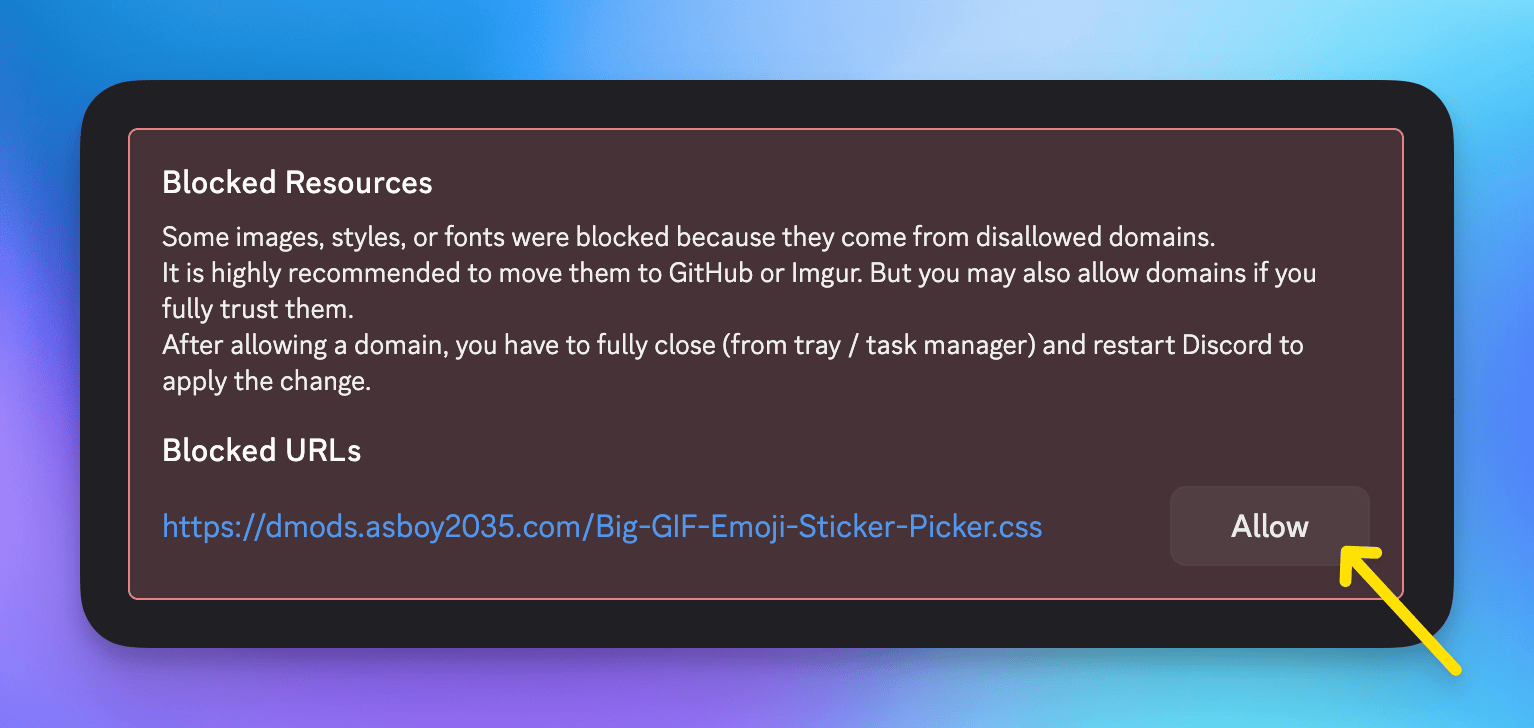
Before themes are applied, any non-GitHub/Imgur links will be disallowed.
Simply go to Settings → Themes and click allow on all the domains.
***
## Themes
List of themes available for install.
[](#installation)
### Transparency
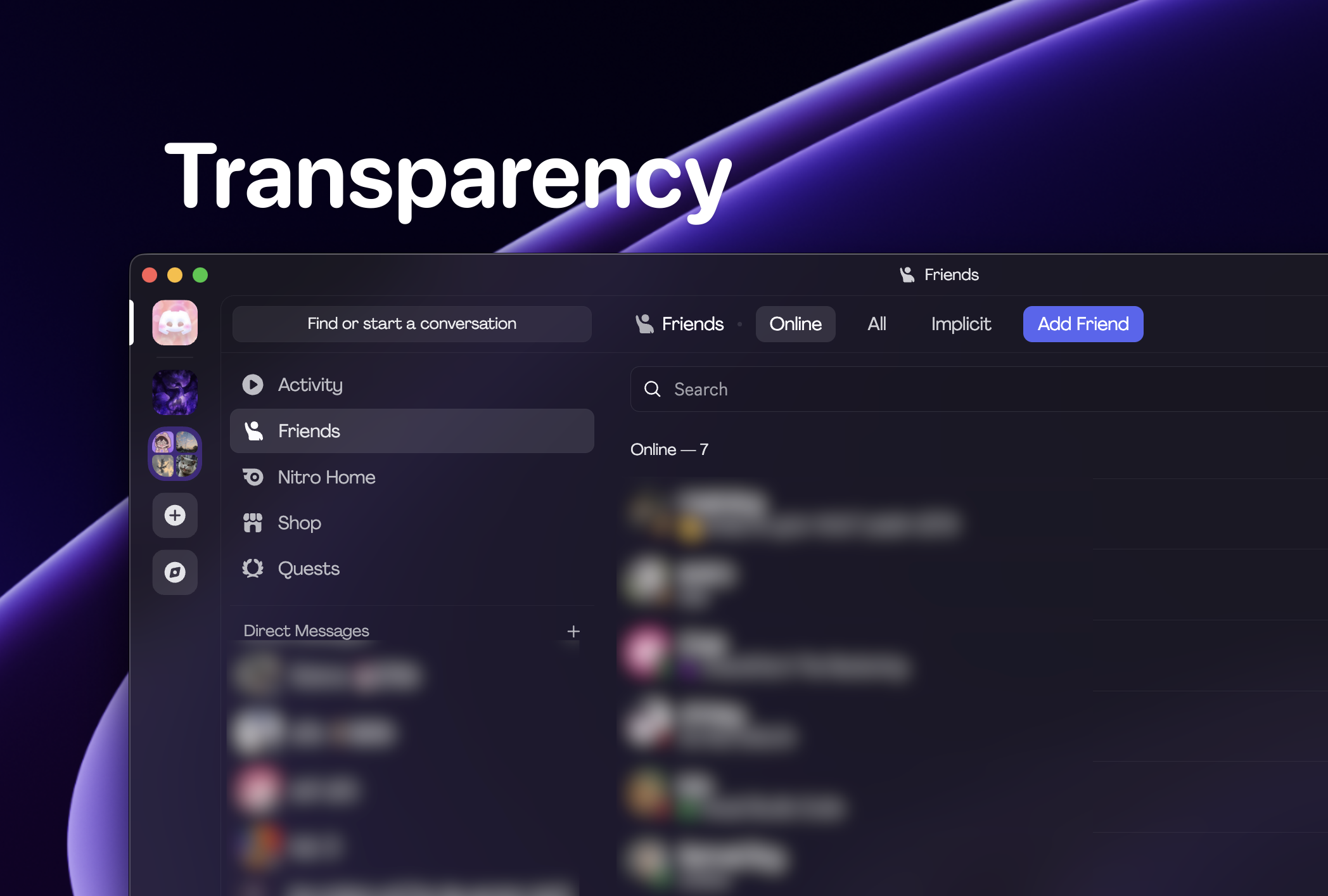
This theme provides transparency to the Discord UI.
Also, be sure to check out Semi-transparent main that is designed to improve this theme.
You can get translucency on macOS with [Vencord](https://vencord.dev).
```
https://dmods.a35hie.me/Transparency.css
```
### Beeg GIF Picker
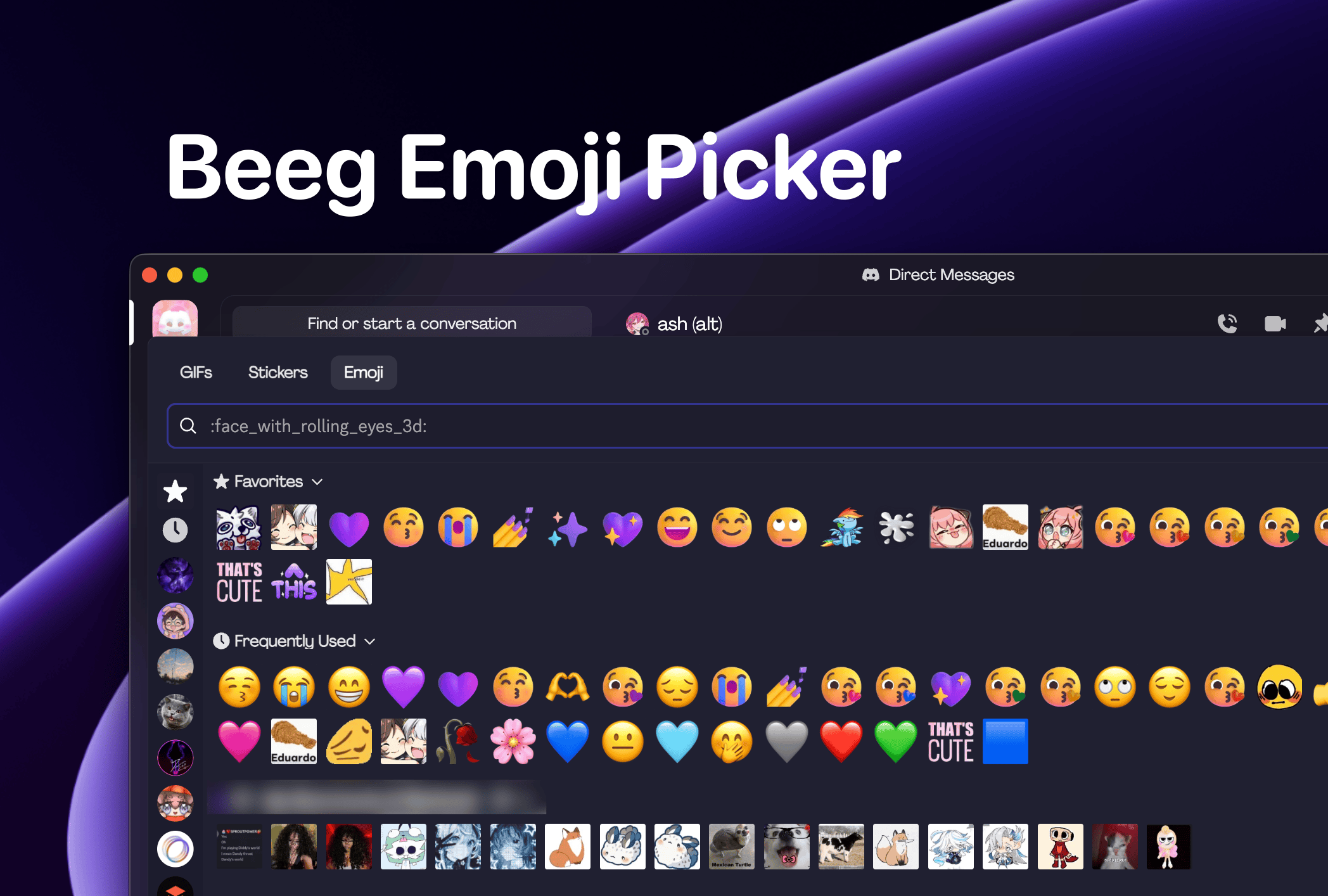
Makes your GIF/Emoji/Stickers picker take up most of the screen.
```
https://dmods.a35hie.me/Big-GIF-Emoji-Sticker-Picker.css
```
### More Rounded Corners
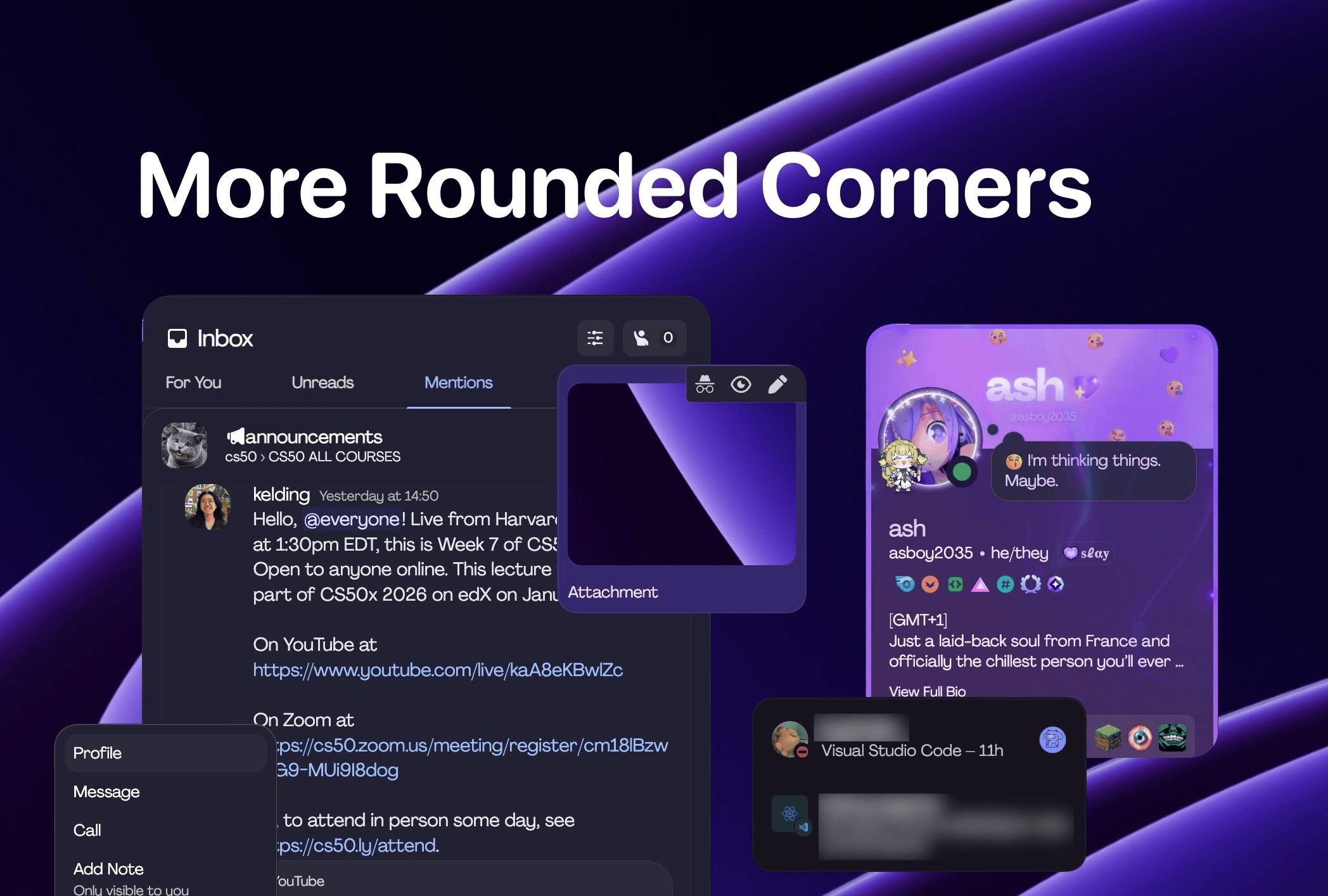
Gives some elements more rounded corners.
```
https://dmods.a35hie.me/MoreRoundedCorners.css
```
### Use System Fonts
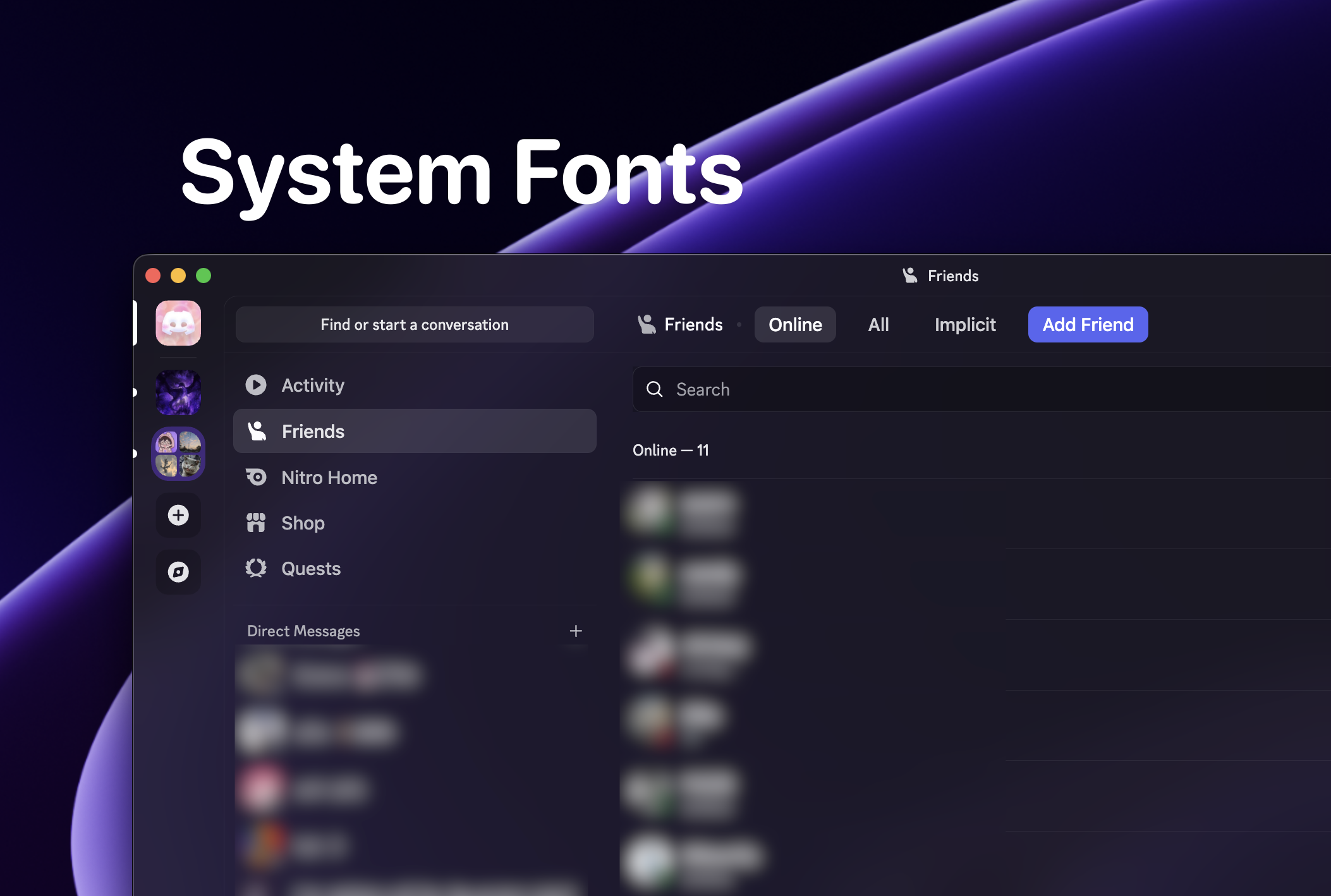
Use your platform's system font instead of Discord's.
```
https://dmods.a35hie.me/SystemFonts.css
```
### Semi-Opaque Main
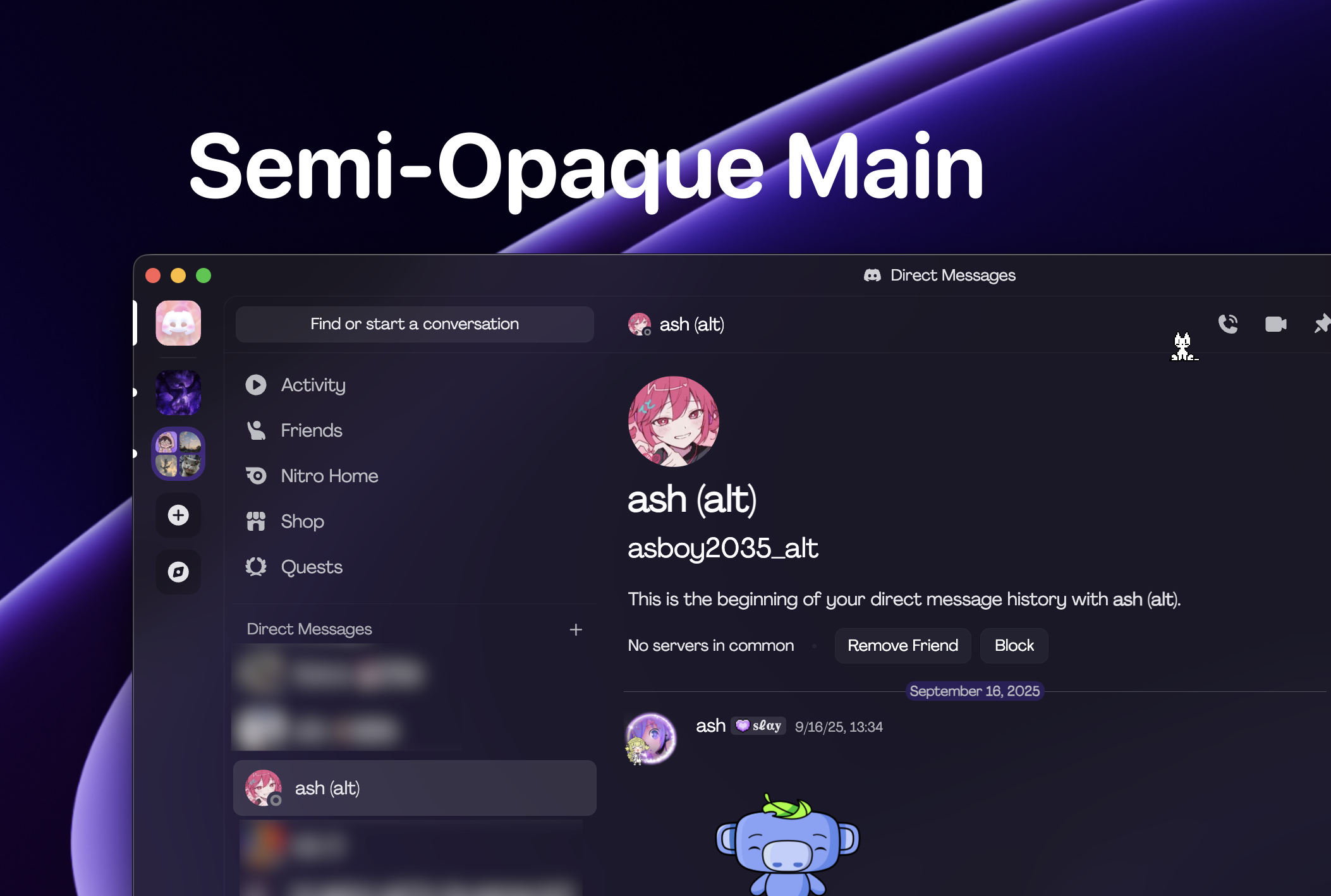
[**Designed for Transparency.**](#transparency)
Makes the main content slightly darker to contrast the transparent outer level.
```
https://dmods.a35hie.me/SemiOpaqueMain.css
```
 Go to Vencord's website and follow instructions to install it.
[](https://vencord.dev/)
Go to Vencord's website and follow instructions to install it.
[](https://vencord.dev/)