You will need a Discord client mod to use these styles. Check out Vencord.
Installation
2
Choose your Themes
In the list below, find themes you like.
Alternatively, you can simply install all.
Copy all themes’ URLs that you want to install.Simply copy this to install all:
All Themes
3
Install Themes
Go to your Discord settings, go to “Themes” under the “Vencord” section, and click “Online Themes” on the top.
Paste in all your theme URLs into the Online Themes textbox like so: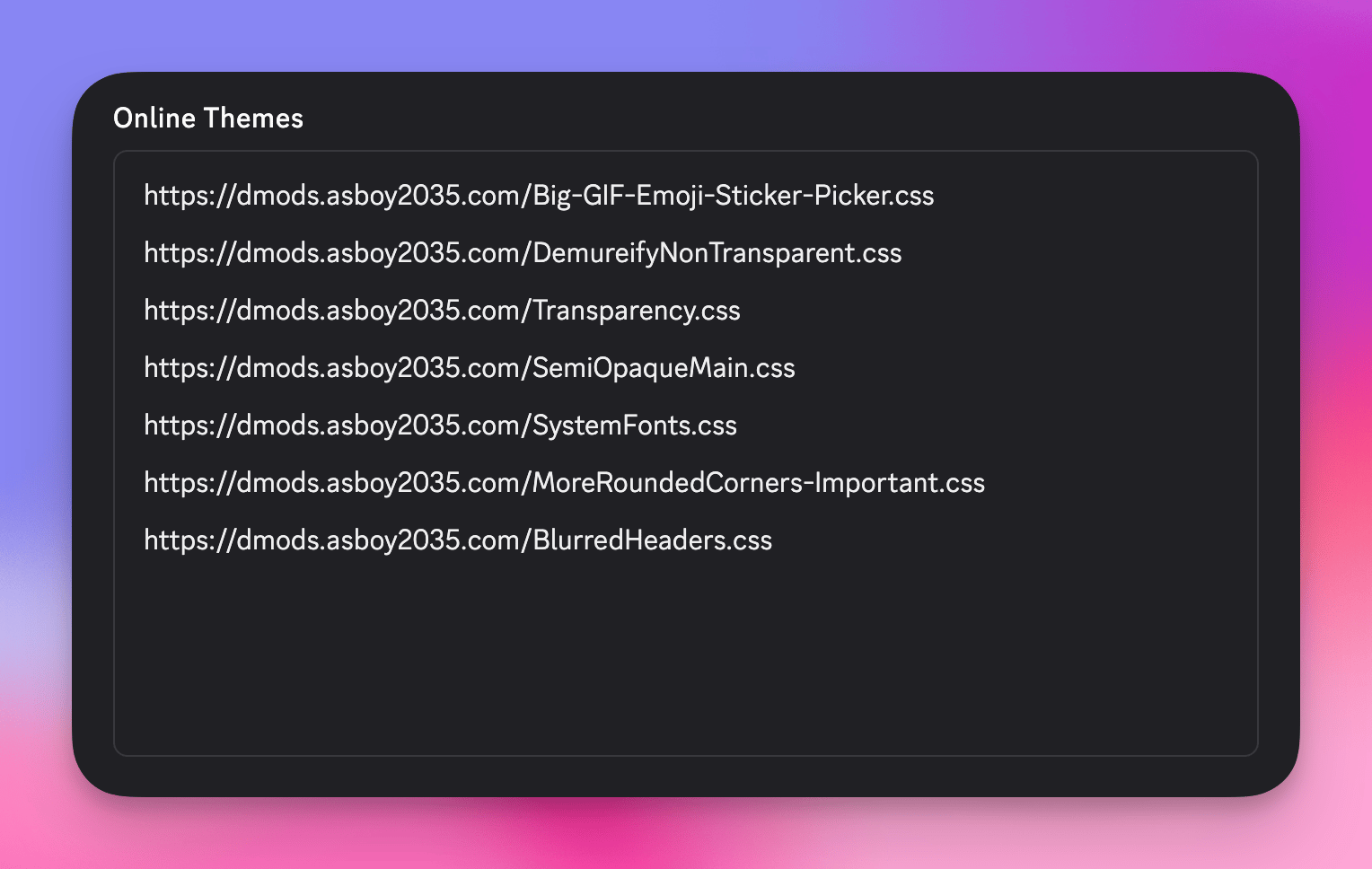
4
Allow Domain
Before themes are applied, any non-GitHub/Imgur links will be disallowed.
Simply go to Settings → Themes and click allow on all the domains.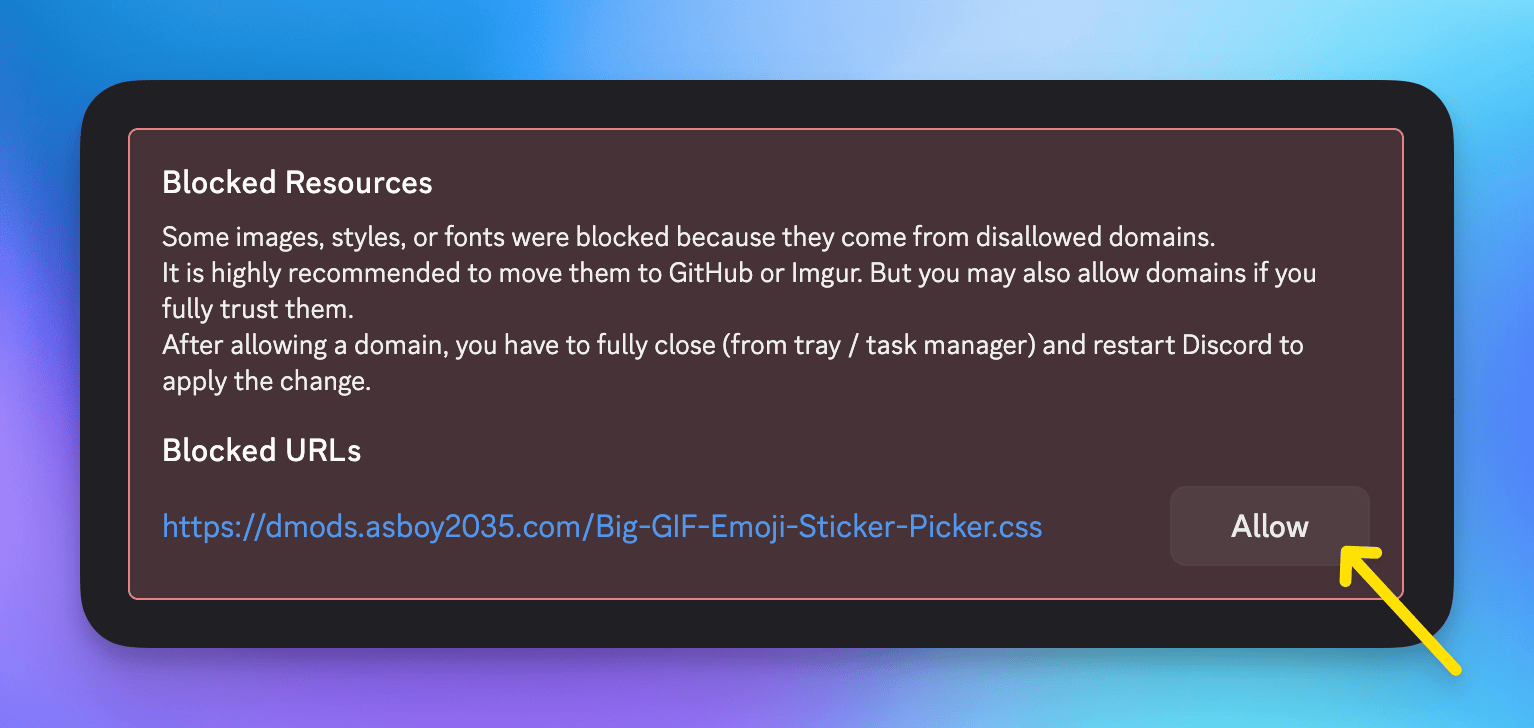
Themes
List of themes available for install.Transparency
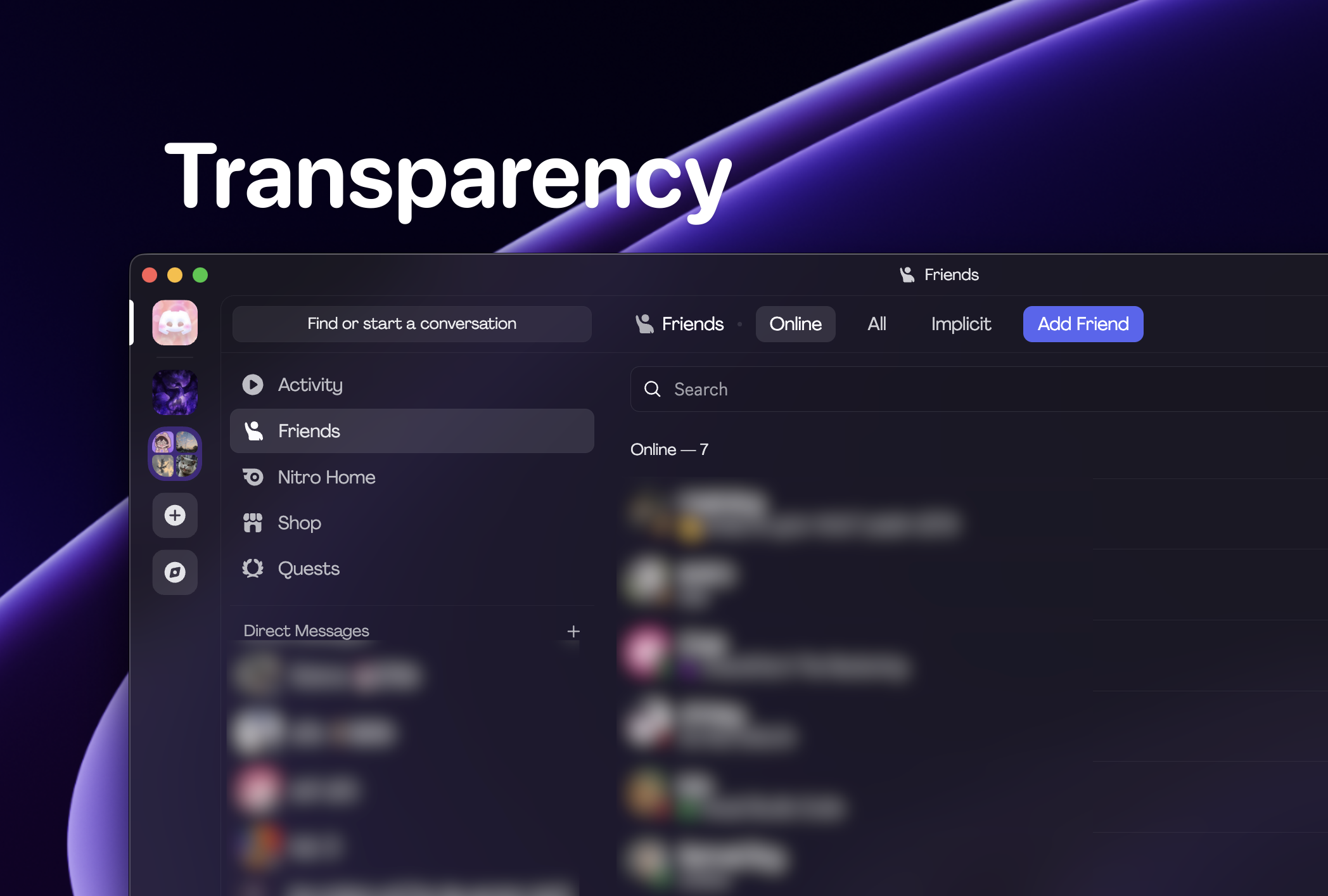
You can get translucency on macOS with Vencord.
Beeg GIF Picker
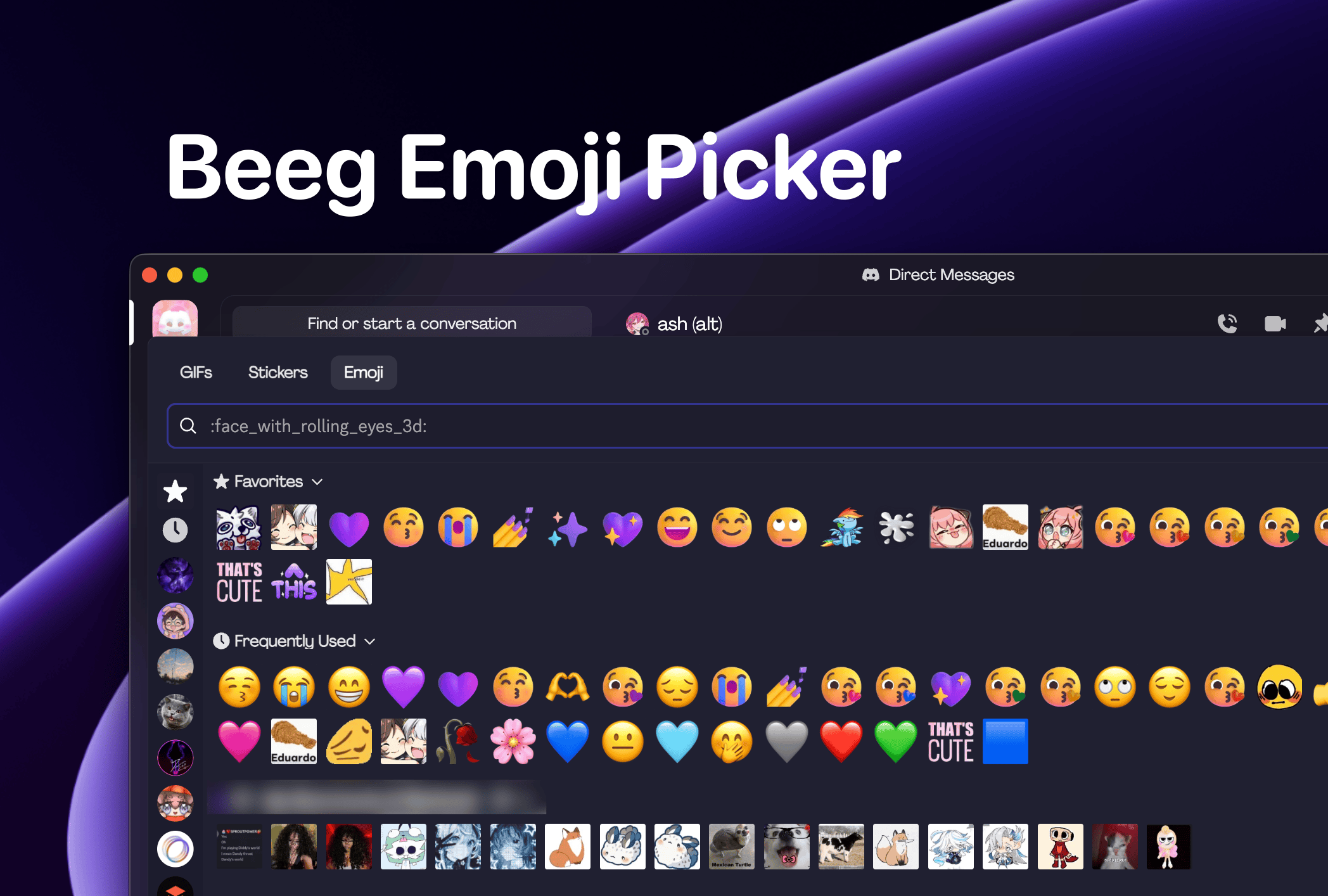
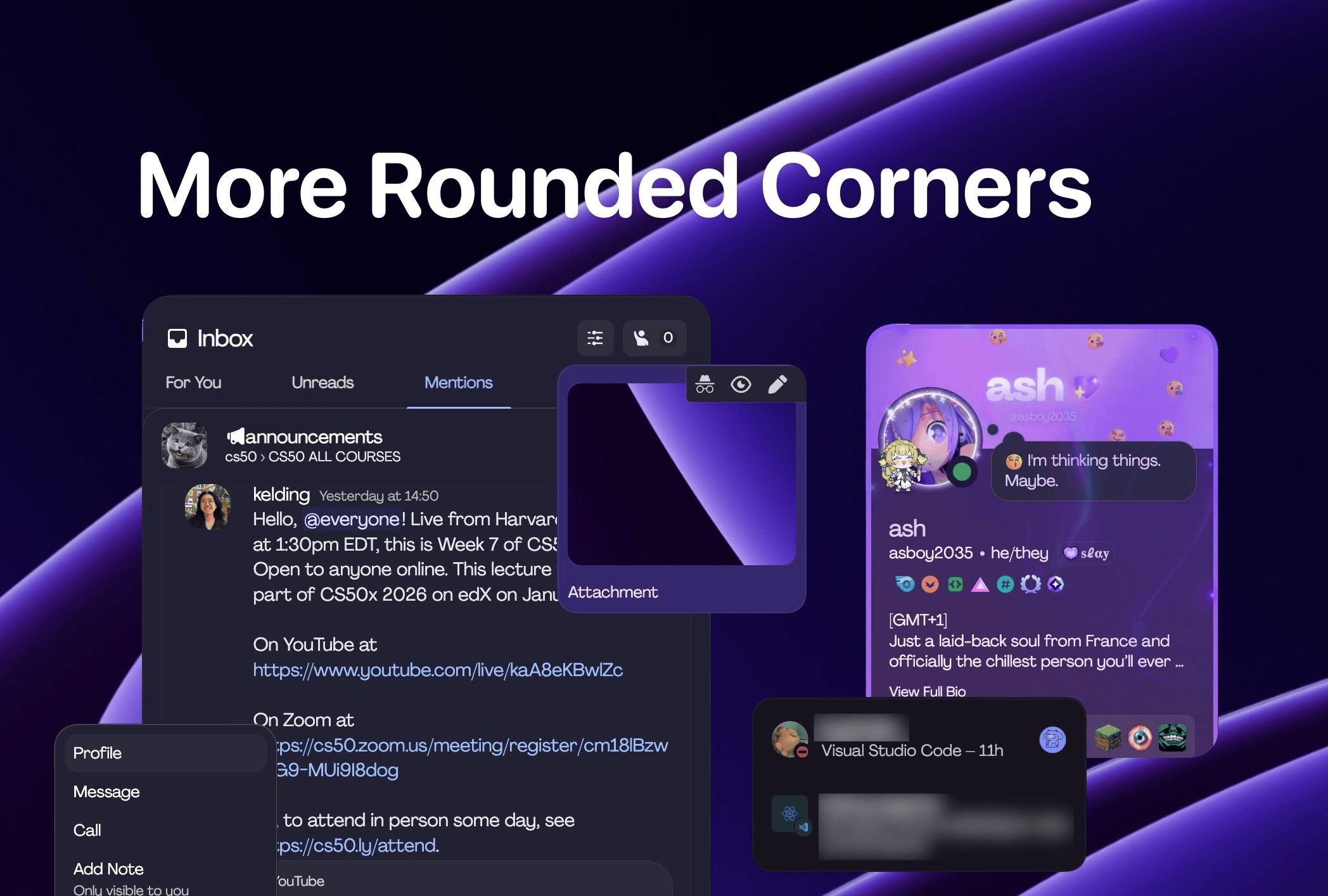
More Rounded Corners
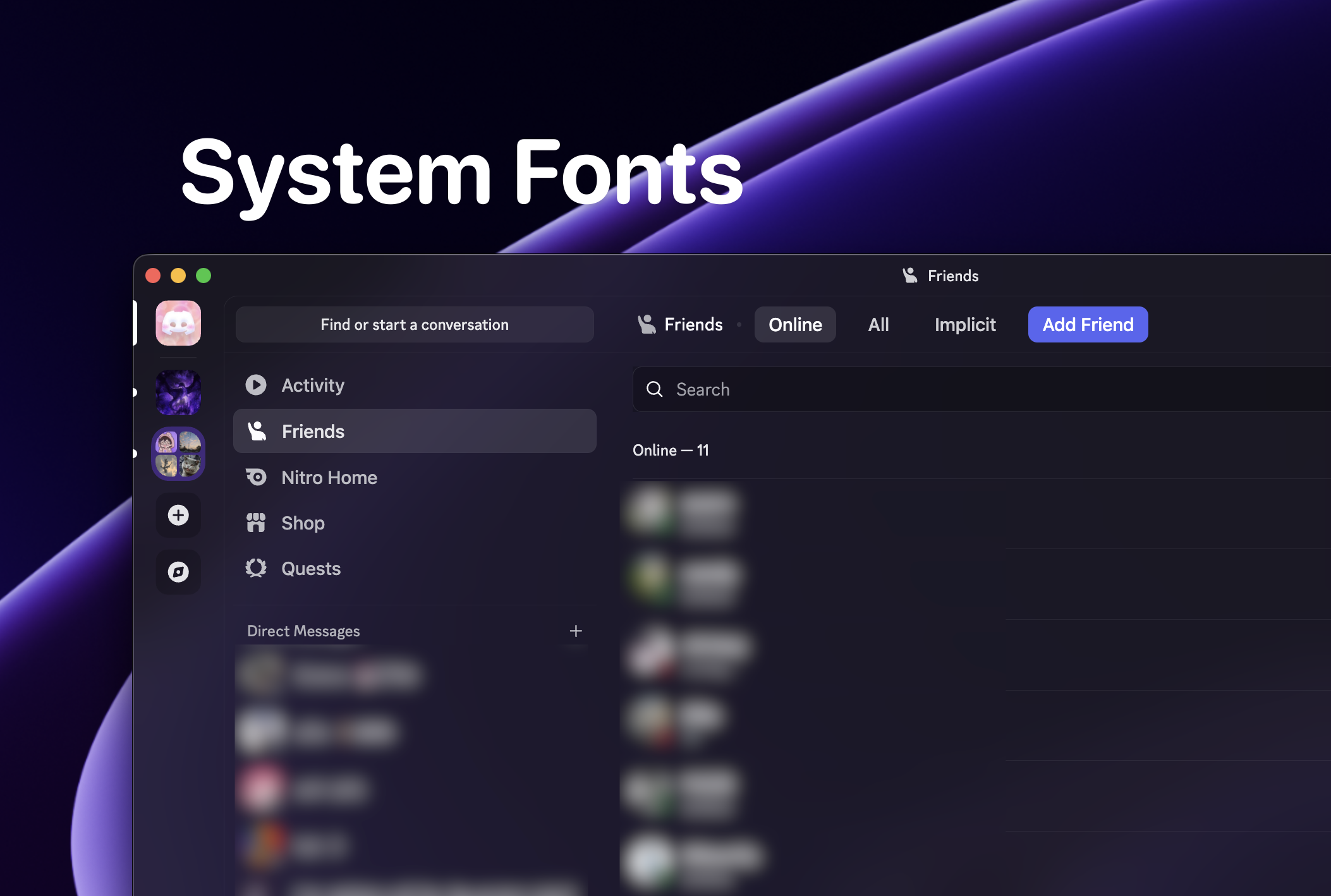
Use System Fonts
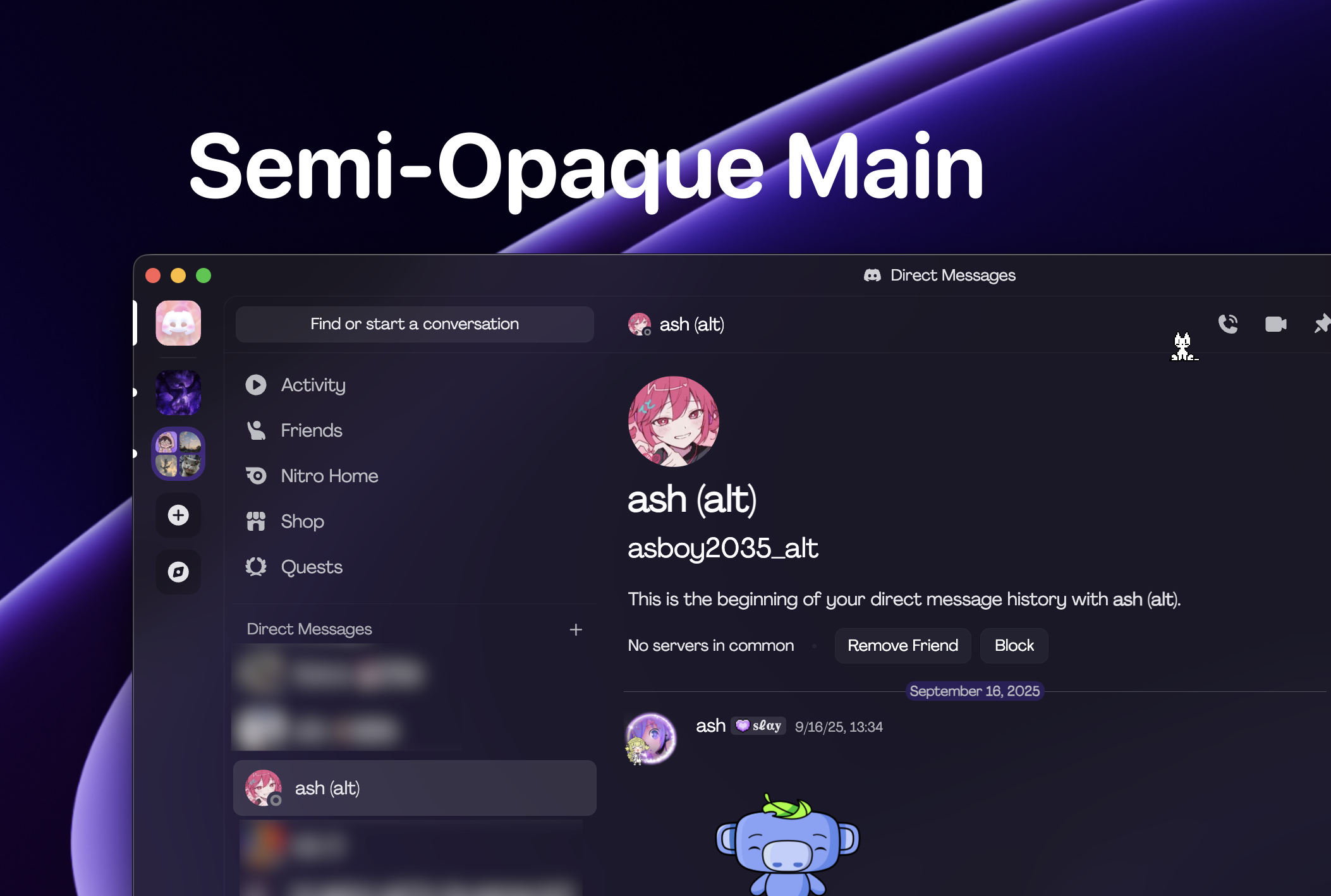
Semi-Opaque Main